An Ulterium app for iPhone
Heartcount
Love Days Counter · Relationship & Couple Widgets
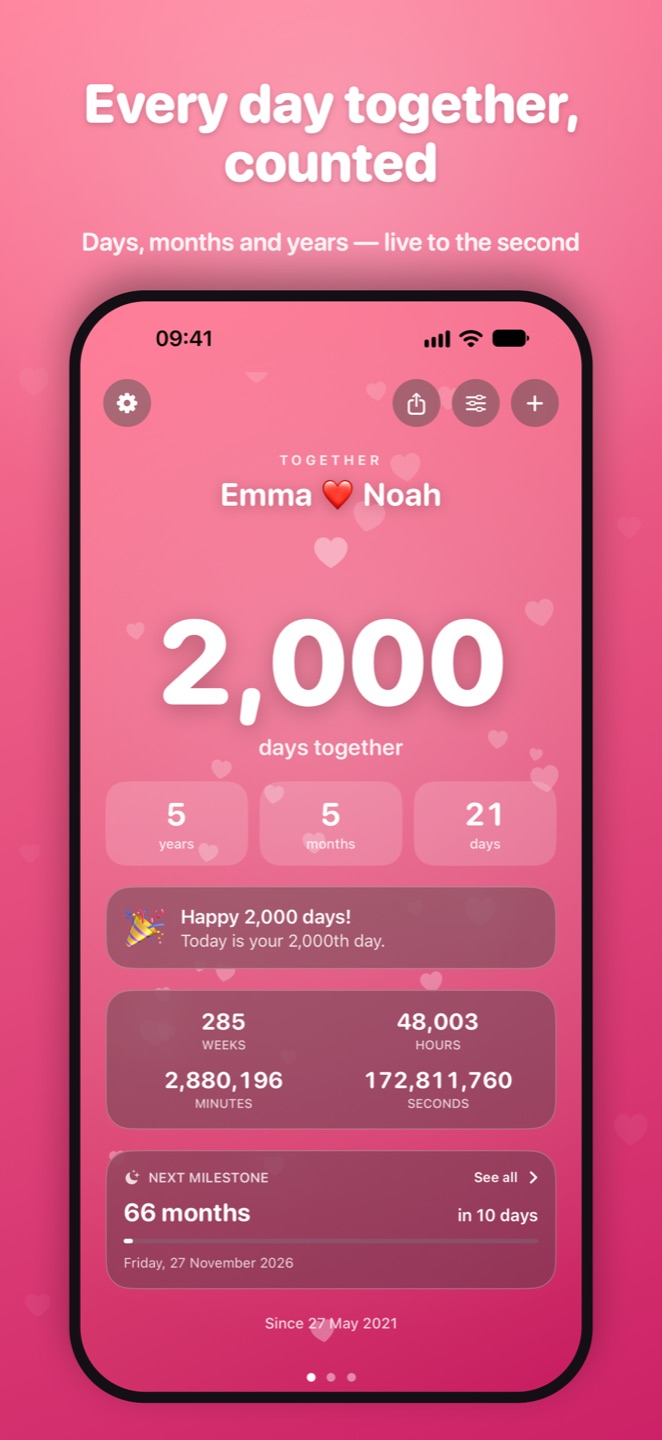
Heartcount shows how long you've been together, at a glance. Add the date you got together and see your days, months and years tick by live — plus every special milestone still to come, from your next anniversary to your 1,000th day.
Coming soon to the App Store
Free. No ads, no accounts, no tracking, no rating pop-ups.
Free widgets in every size
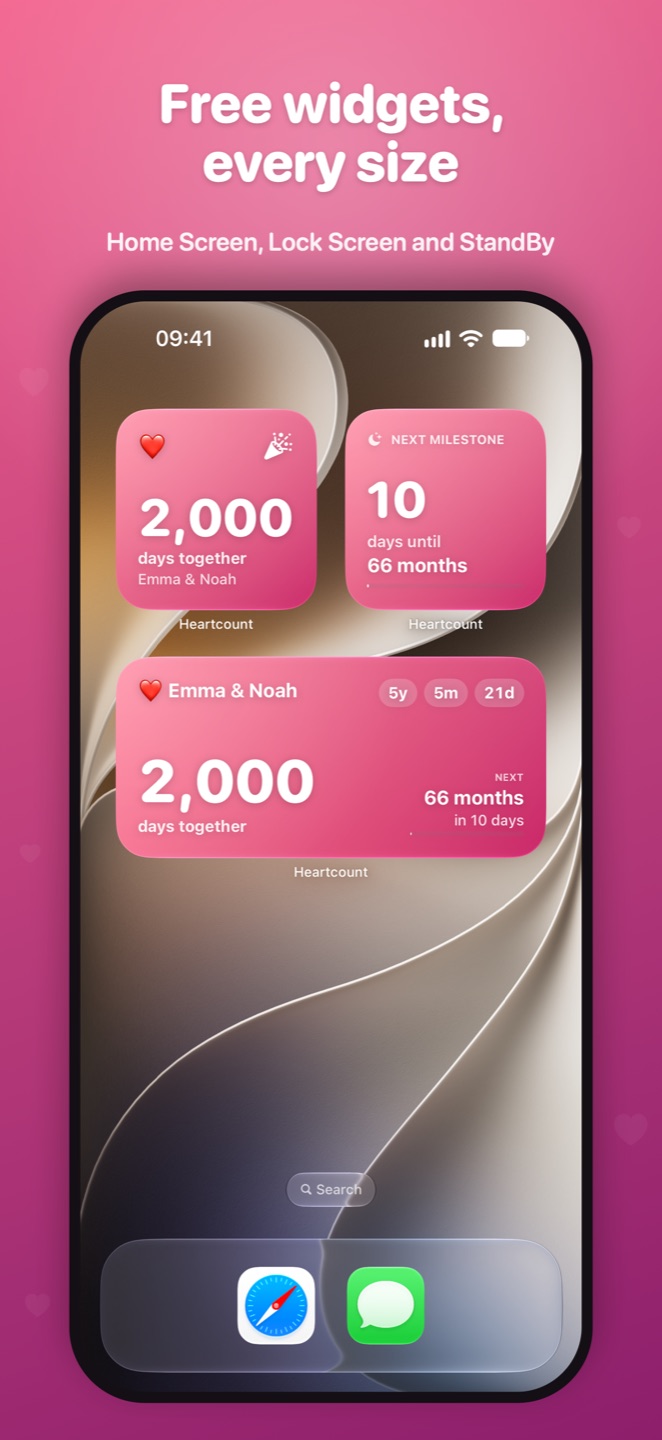
Home Screen widgets in small, medium and large; Lock Screen widgets as a circular gauge, rectangular or inline; StandBy support for your bedside. There's even a Next Milestone widget counting down to your next special day — and every widget lets you choose which counter it shows.
Count everything that matters
Unlimited counters: together, engaged, married, first date, moved in, best friends. Count up from a past date or down to a future one, like your wedding or next trip — in days, months and years, with a live ticker of weeks, hours, minutes and seconds.
Never miss a milestone
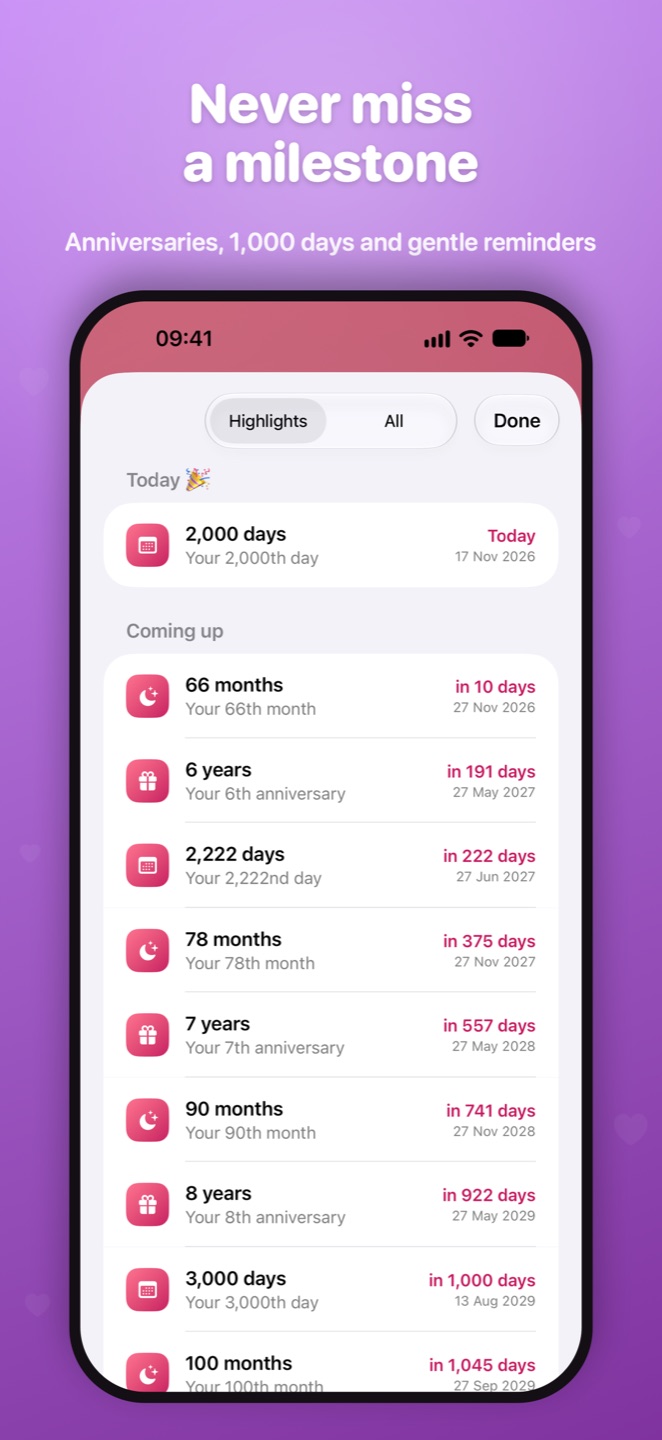
Anniversaries and monthiversaries; your 100th, 500th and 1,000th day, and fun ones like day 1,111 and 2,222; nerdy extras like 10,000 hours, 1 million minutes and 1 billion seconds. Gentle reminders arrive at a time you choose, with a heads-up the day before anniversaries.
Make it yours
Add a photo of you two, or pick from eight hand-tuned colour themes; choose an emoji for each counter; share beautiful image cards to your story or chats. And just ask Siri: "How long have we been together in Heartcount?"
Support
Answers to common questions below. Still need help? Email us at this address and we'll get back to you.
How do I add a widget?
Touch and hold an empty area of your Home Screen, tap Edit, then Add Widget, and search for Heartcount. Choose a size and tap Add Widget.
How do I add a Lock Screen widget?
Touch and hold your Lock Screen, tap Customise, choose the Lock Screen, tap the widget area and pick Heartcount.
How do I choose which counter a widget shows?
Touch and hold the widget, tap Edit Widget, and choose a counter.
Can I count down to a future date?
Yes. Pick a future date when you add or edit a counter, and Heartcount counts down to it instead.
I'm not getting milestone reminders
Check that notifications are on in Settings › Notifications › Heartcount, and that "Milestone notifications" is on for that counter in the app.
What does "Count the first day as day 1" do?
Some couples count the day they got together as day 1, and others count it as day 0. Choose whichever you prefer for each counter.
Is my data backed up?
Your data stays on your iPhone and is included in your normal iPhone backups.
Heartcount collects no data at all — read the app privacy policy.